Projection options for mood-setting projections across your home and events
Projection options are surprisingly flexible. You can go bold and cover a whole wall or go subtle with a floating veil. In this article we focus on real choices you can use in Australian homes and venues. I write like a mate who has tried this before. I share what works, what to watch out for and how to keep things simple. You will get practical tips on gear, placement and playback. You will also learn easy fixes for light, sound and weather. Let’s jump in so you can choose the best setup for your space.
Wall projection: go big and immersive
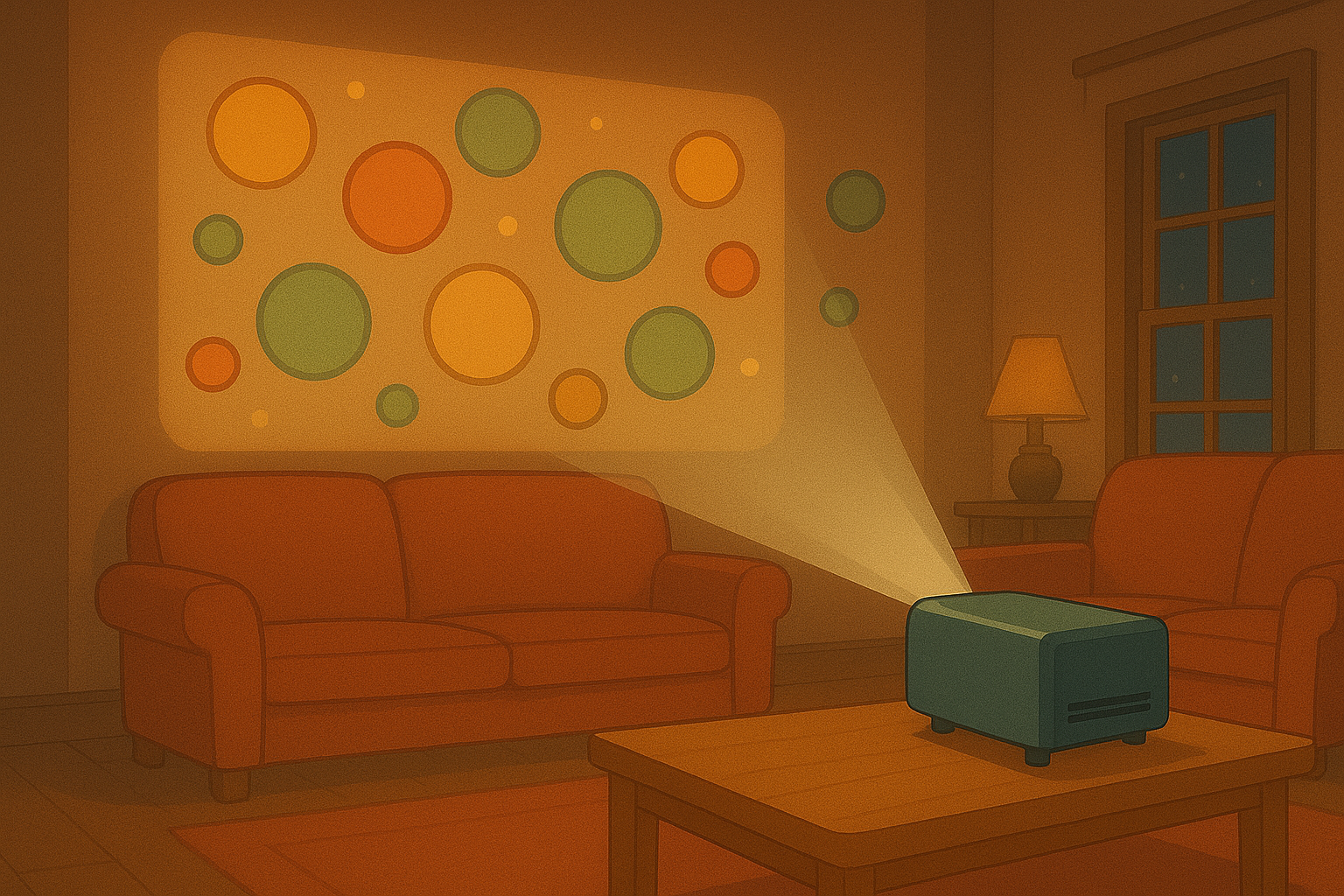
Projection options for walls are the most dramatic. A large bright wall gives you scale and impact. You will need a projector with enough lumens. Daylight rooms need brighter projectors. Dark rooms let you use smaller, cheaper models. Pick a short-throw projector if space is tight. It lets you create a large image from close to the wall. Mounting can be simple: a tripod, a shelf or a discreet ceiling mount. Shield the lens from direct sunlight for sharper colours. Use a white or light grey surface for the truest colours. If your wall is textured, consider a portable screen. It smooths out bumps and boosts contrast. Sound matters too. Sync music or ambient audio with your visuals to lift the mood. Use a small Bluetooth speaker for easy setup. Test your placement before guests arrive. Run a short loop and walk the room. Check sightlines so everyone gets a good view. Keep cables tidy and taped down. Projection options on walls are perfect for gallery nights, pop-up shops and cosy cinema nights.
Window projection: rear film for show-stopping displays
Projection options for windows work best with rear projection film. The film turns a window into a screen that looks great from outside and cosy from inside. It’s brilliant for storefronts and festive windows. The film mounts on the inside of the glass. Then you place the projector behind it. Rear setups cut back on glare and produce bold colours. For a neat result, mask edges with black tape or vinyl. Lighting matters. Dim inside lights to enhance contrast. If you want evening-only displays, angle the projector to avoid reflections. For daytime visibility, choose a high-brightness projector and a film rated for strong light. Projection options on windows let you share animations, logos or countdowns. They are low-fuss and high-impact. Plan the content to loop smoothly, and set the projector on a timer for automatic start and stop. If you run seasonal shows, swap content quickly using a USB stick or an app. This setup is ideal for small shops, advent-style windows and community events.
Floating nets and gauze: create magic in the room
Projection options that use floating nets or gauze feel magical. A thin, almost invisible net can catch light and create layered effects. You can hang gossamer fabric across a stage, in a foyer or above a dance floor. Project images onto the fabric so they appear to float. Use two projectors if you want depth. One can hit the net, the other the wall behind it. That creates a three-dimensional feel. Choose a soft white or slightly translucent fabric. Mount it on lightweight frames or run it from hooks in the ceiling. Keep the fabric taut so images stay sharp. Airflow can move the fabric, which looks great if you aim for a dreamy effect. For more control, use lightweight rigs and clamps to shape the net. Projection options like these are perfect for weddings, exhibitions and immersive art. They work well in both small rooms and large halls. Test the angles and distances to avoid hotspots and keep colours even. Use low to medium brightness projectors so the net glows without washing out the background.
TV view and direct playback: neat and simple
Projection options don’t always need a projector. You can play motion graphics straight on a TV for a clean look. This is handy in lounges, bars and small venues. Connect via HDMI from a laptop, plug in a streaming stick or use our app for wireless playback. TVs give you crisp images with no setup fuss. They are great for short loops, menu displays and ambient visuals behind a bar. Place the TV at a good height so everyone sees it. Hide cables behind furniture for a tidy look. If you use a TV and need larger scale, consider a video wall or multiple synced screens. Projection options that mix TV and projector can give you a layered look. For example, a TV near the bar can show info while a wall projection sets the mood. Keep content formats simple: MP4 or .mov files play reliably. Use a USB stick for plug-and-play shows. For wireless control, test your network first and keep a backup drive ready.
Practical tips for gear, power and content
Projection options work best with a simple plan. Pick a short checklist before you set up. Test your gear early and bring spares. Pack extra cables, a power strip and gaffer tape. Check the venue’s power supply and bring an extension lead rated for the amp draw. If you’re outdoors, use weatherproof covers and keep gear off the ground. For content, choose loops of two to five minutes so people can join in at any time. Use high-contrast visuals and avoid tiny text for best visibility. Projection options in shared spaces need clear rules for sound. Keep volumes friendly for neighbours. For hire events, label gear and mark the remote functions. Use apps or a simple media player for easy switching. Finally, rehearse your start and stop sequence. That prevents awkward delays. With a few checks, you can run smooth, impressive projections that feel effortless to your guests.
Popular projections